
01
Choose the visual mood
Select a gentle romantic format or a darker premium 3D style that matches the celebration.
Build a wedding invitation that guests can open from any phone. Add the couple’s names, date, time, venue, map link and your own message inside an expressive interactive page.

3D invitation
Wedding 3D Invite
GIFRS / 01
Start from a real GIFRS wedding format and replace the details with your own.
Select a gentle romantic format or a darker premium 3D style that matches the celebration.
Add names, invitation text, date, start time, venue, address and a map link.
Preview the page on mobile, publish it and share the same invitation link with every guest.
GIFRS / 02
A useful invitation should be beautiful, but it should also answer the guests’ practical questions.
Introduce the couple and write a message in the tone of your wedding.
Put the essential schedule where guests can find it immediately.
Show the venue name, address and a direct map link to make arrival easier.
Add a memorable opening, motion and visual depth without hiding the important details.
GIFRS / 03
GIFRS currently includes both a soft romantic invitation and a premium gold-accented 3D format.
3D invitationA gentle wedding invitation with a countdown, 3D scene, date, venue and map link.
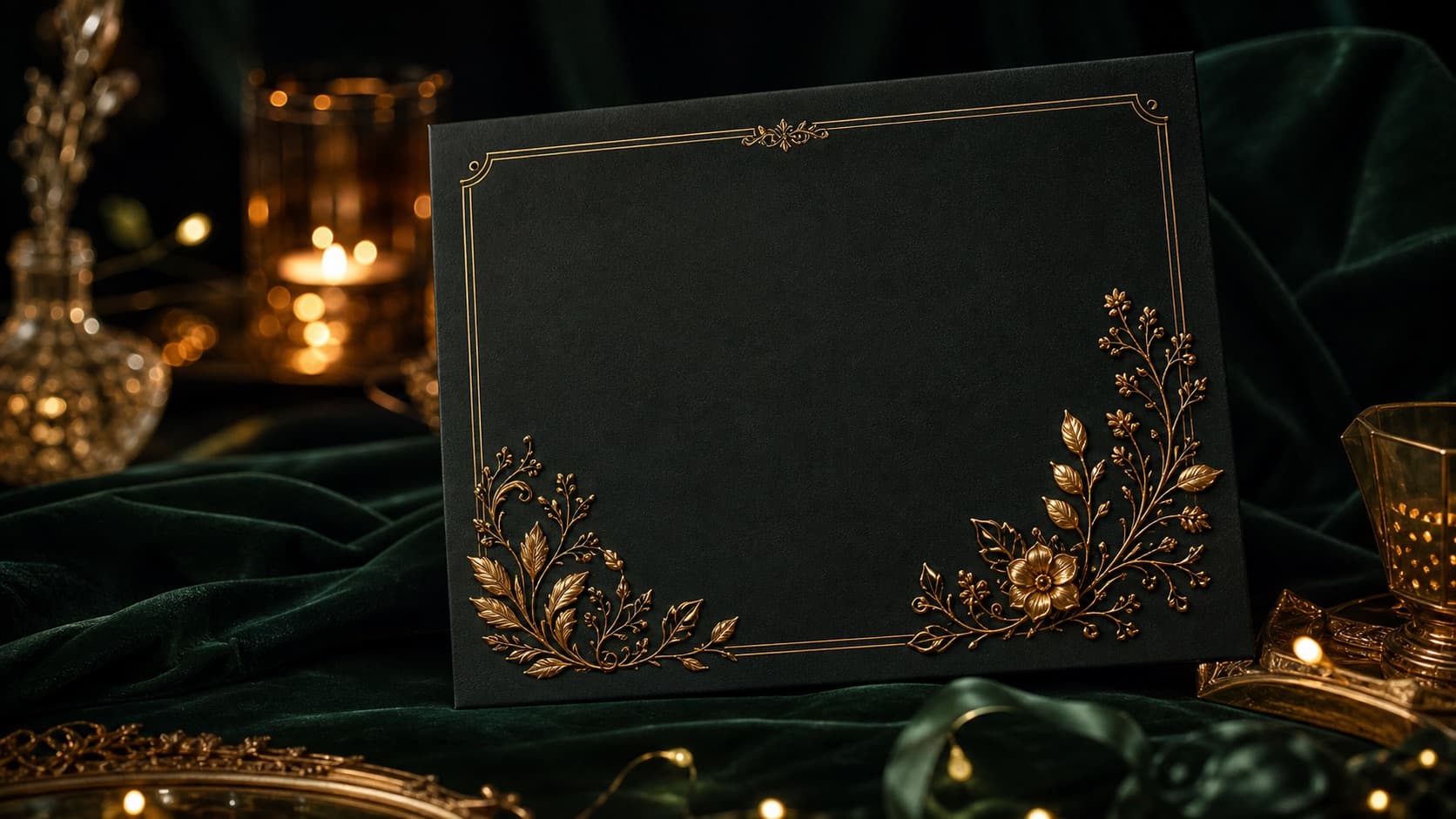
Premium invitationA cinematic wedding page with deep 3D volume, gold accents and a dramatic countdown.
GIFRS / FAQ
What couples usually want to know before creating the invitation.
Supported GIFRS wedding formats include the couple’s names, invitation text, date, start time, venue, address and map link.
Yes. A published GIFRS invitation is a web page designed to open through a normal browser link.
Yes. The wedding templates are designed for personalization before the invitation is published.
Publish the page, copy its public link and send it through Telegram, WhatsApp, email, social networks or a QR code.
GIFRS / MORE
Choose another format or browse all real GIFRS examples.
GIFRS / START
Choose a romantic or premium 3D format and add your wedding details.